How to photograph stars with a phone
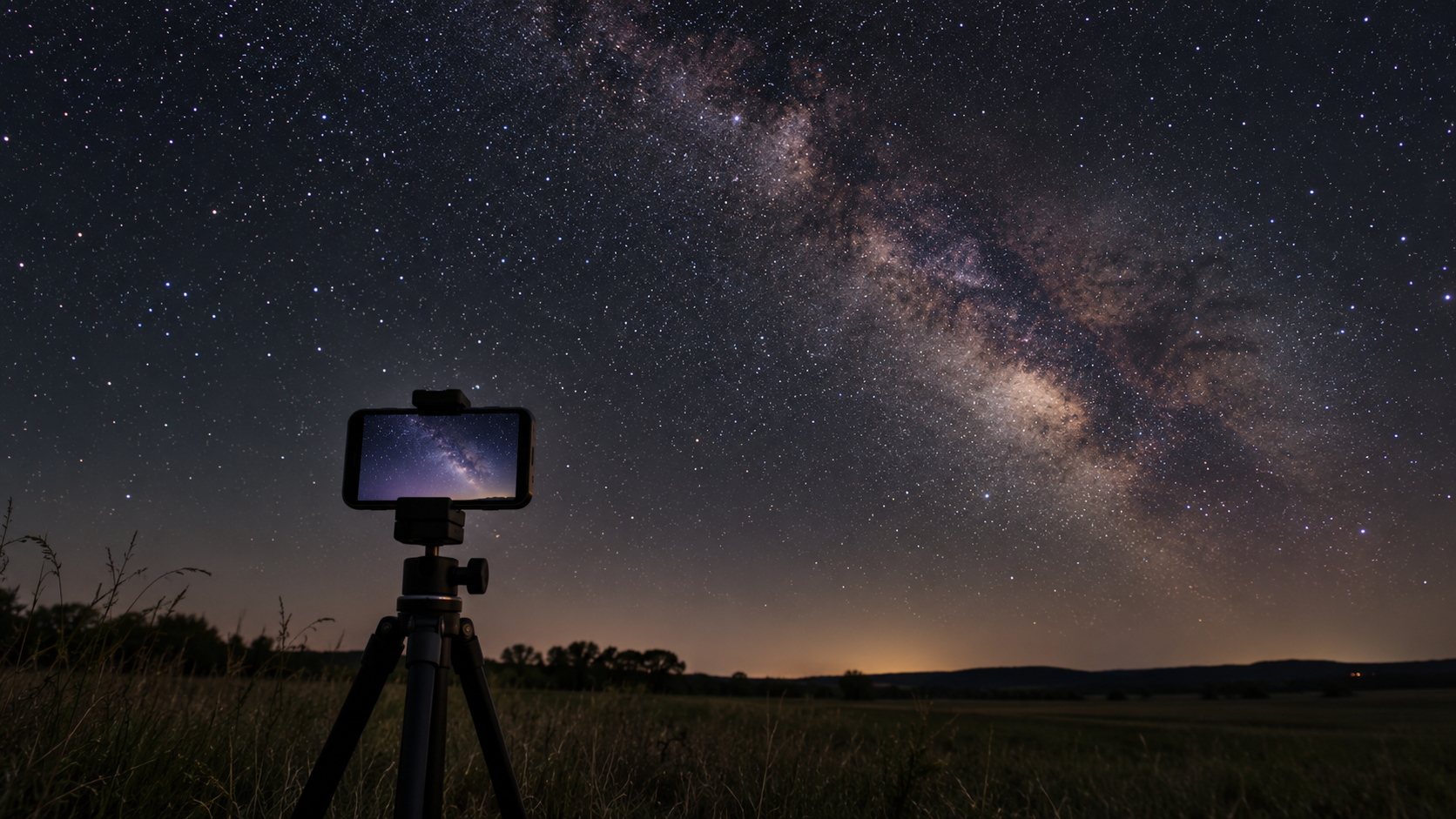
For a first phone photo of the stars, keeping the camera still matters most. Put the phone on a tripod or a stable surface and use Night mode or a manual exposure if your camera app offers one. Do not hold the phone in your hand: even a small movement can turn stars into blurred points. Use a timer or remote shutter so you do not shake the phone when taking the picture.
Find a dark place away from streetlights and point the camera at a part of the sky without a bright Moon. Tap the screen to set focus and review a test shot. If stars become short trails, reduce the exposure time; if the image is too dark, try a longer exposure or raise sensitivity, keeping in mind that this can add digital noise.
Keep the first attempt simple
Take several versions and change only one setting at a time. Clean fingerprints from the lens, turn off flash and avoid digital zoom, which usually just crops the image. Night modes differ between phones, so test shots help you find settings that work for your model.
Check clouds for your location on the NightSkyCast map